
Turning a single still portrait into an immersive cinematic party sequence has become one of the hottest viral trends across TikTok, Instagram Reels, and YouTube Shorts. With the dedicated Burning Bridges AI video generator, you do not need complex ComfyUI nodes, manual timeline keyframing, or hours of prompt engineering. One clear portrait is all it takes to place yourself in the center of an exclusive chandelier-lit gala inspired by Drake's iconic party aesthetic.
If you already have your portrait ready and want to jump straight into creation, head directly to the BridgeBurner Studio Creator. If you want to learn the proven guidelines for clean renders on your first attempt, follow this practical step-by-step walkthrough.
Why dedicated gala generation outperforms generic face swaps
When exploring how to make a Burning Bridges AI video, many creators attempt to splice clips using generic video-to-video tools. In practice, this often leads to frustrating glitches: the silver cup jumping erratically between hands, background guests morphing into strange clones of the lead subject, or clips exporting completely silent—forcing you to spend tedious minutes hunting down audio and attempting to align lip movements in external editing apps.
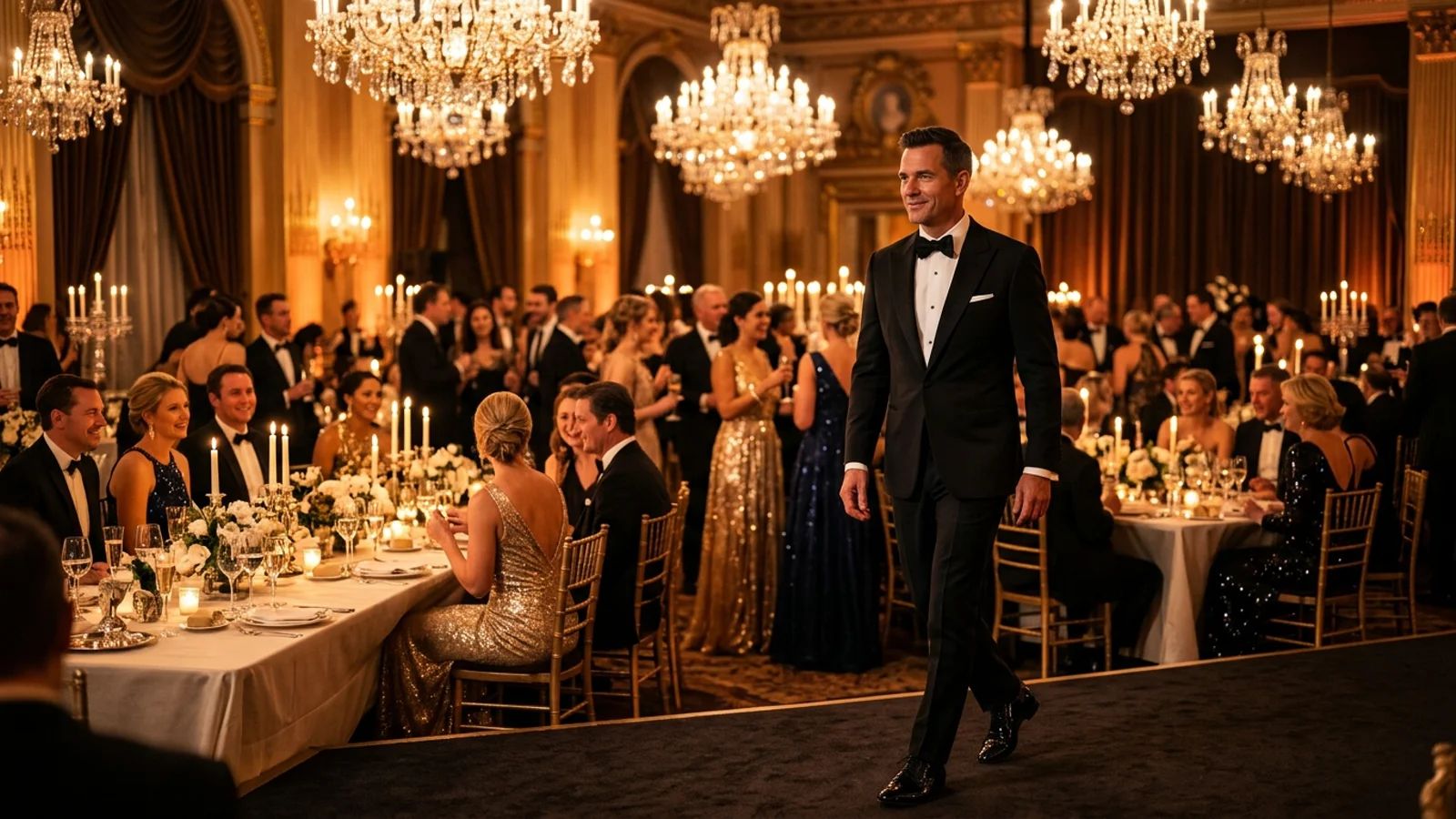
Our purpose-built model anchors camera choreography, facial structure, and banquet lighting into a unified generation pipeline. Crystal chandeliers cast authentic golden reflections across the face, while background partygoers react, converse, and toast naturally in real time.
Before generating your own cut, listen with headphones and preview the continuous 29-second gala long take below, featuring Drake's authentic stereo soundtrack pre-synced:
Step 1: Select an optimal reference portrait
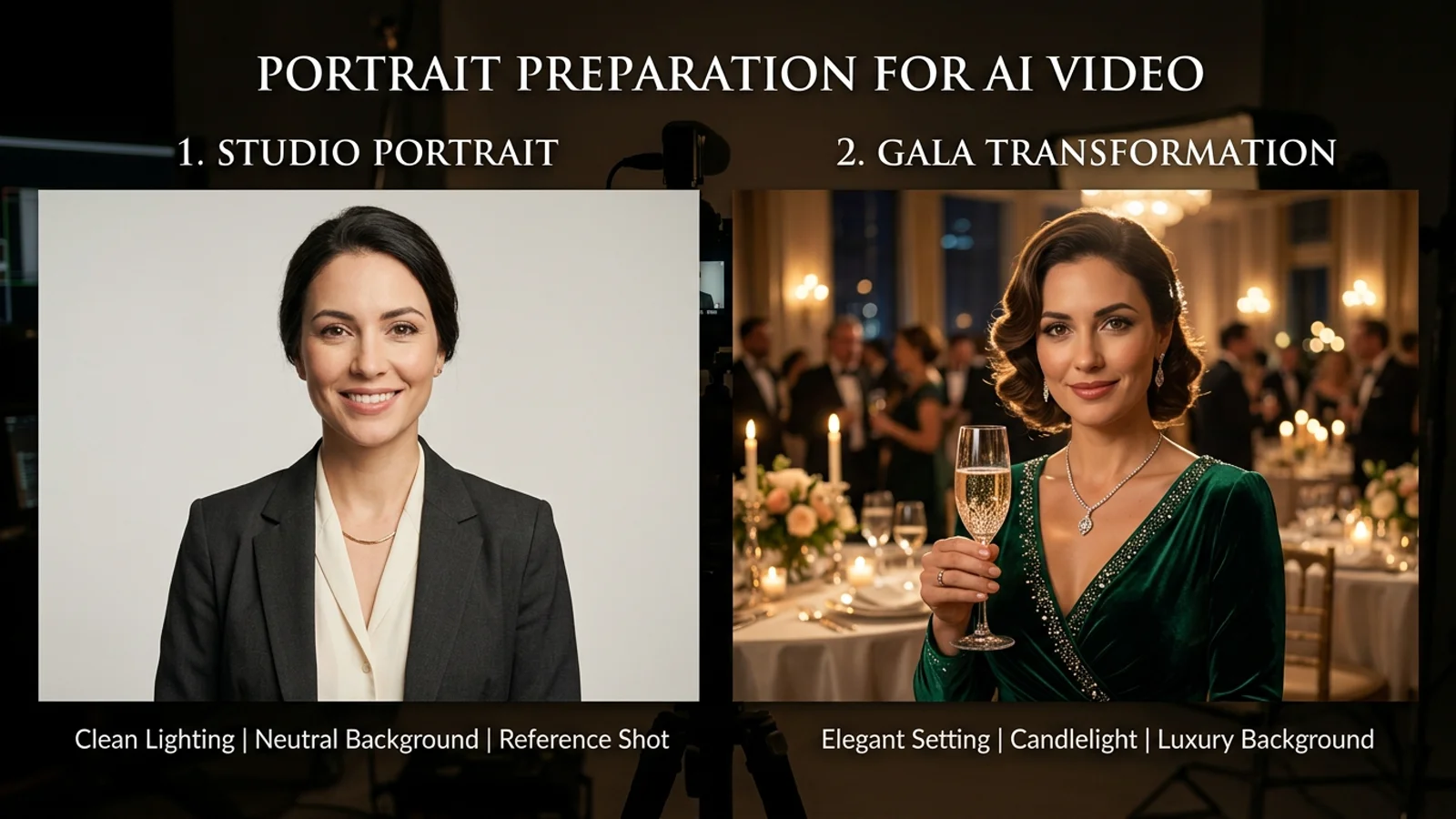
Your input photo serves as the facial anchor throughout the camera sweep. Choosing the right photo boosts generation success by over 90%:
- Clear, unobstructed features: Use a front-facing or slight three-quarter portrait (under 30 degrees) where both eyes, eyebrows, and the bridge of your nose are sharp and visible. Avoid sunglasses, hats, or masks, which hide critical facial landmarks and cause distorted expressions.
- Balanced, natural illumination: Soft ambient daylight or balanced indoor lighting produces the cleanest skin texture. Steer clear of harsh backlights, direct flash glares, or grainy nighttime selfies.
- Recommended wardrobe: Upper-body framing showing visible shoulders and collars works best. Suit jackets, dress shirts, or formal evening gowns blend seamlessly into the ballroom atmosphere.
If you want to experiment with humorous parodies featuring 3D avatars, game personalities, or meme characters, check our Burning Bridges face swap guide for advanced blending tips.
Step 2: Choose your duration tier and resolution
The studio offers four calibrated duration tiers tailored for different narrative tempos:
- 10 Seconds (10 Credits @ 720P / 18 Credits @ 2K): A punchy highlight sequence featuring entrance and the opening champagne toast. Perfect for quick social status updates.
- 15 Seconds (15 Credits @ 720P / 27 Credits @ 2K): A fluid tracking take along the banquet table with direct eye contact toward the camera.
- 20 Seconds (20 Credits @ 720P): An extended dual-scene narrative capturing sweeping ballroom perspectives and ambient party interaction.
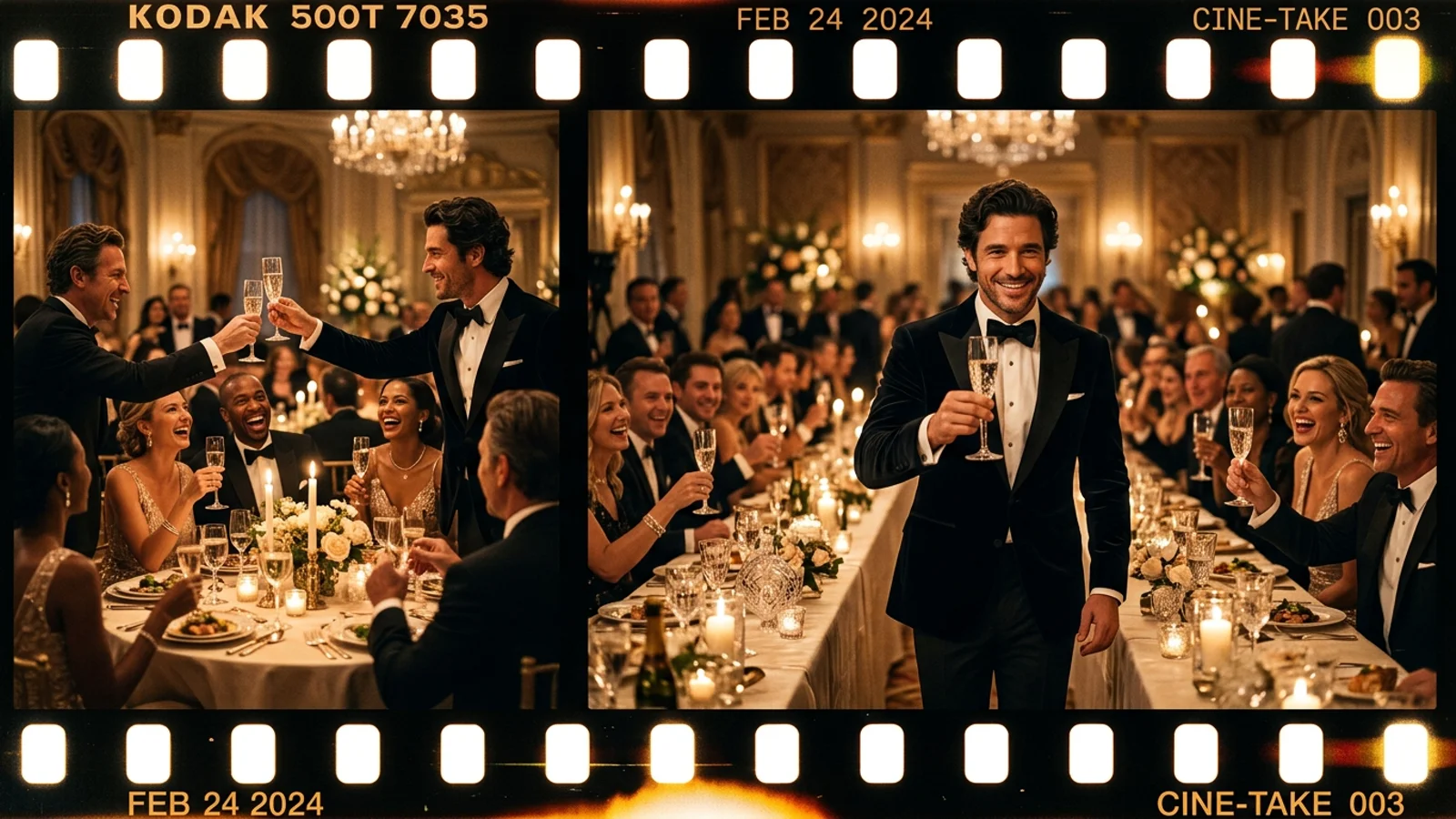
- 29 Seconds Full Cut (30 Credits @ 720P): The complete continuous sequence from the grand entrance to the celebratory cheers, replicating Drake's iconic music video climax.
For mobile viewing on TikTok and Reels, our native 720P vertical format provides crisp clarity. For large monitors or remix editing, choose 2K resolution. Before submitting, review available credit packs and subscription benefits on our pricing and plans table.
Step 3: Cloud rendering, pre-synced stereo audio, and safe credit guarantees
Once you hit generate, cloud workers process your video in minutes. For 20-second and 29-second sequences, an automated dual-stage pipeline seamlessly weaves segments together:
- Built-in Drake stereo soundtrack: Every clip comes pre-timed to the exact beat drop at 2.34 seconds, where Drake delivers the famous "Where she at?" hand flick toward the lens. Your exported MP4 is 100% ready to share without manual timeline splicing.
- Transparent credit protection: Choose flexible one-time credit packs or monthly subscription tiers tailored to your creative volume. If a generation attempt fails due to server congestion or timeout, the deducted credits are instantly returned to your account balance, ensuring zero wasted expense.
To discover the cultural origins of the Sotto Sotto private dining shoot, read the in-depth coverage on Billboard Music Charts as well as our Burning Bridges AI trend breakdown.
Step 4: Quality review and watermark-free export
Once your video finishes rendering, inspect the preview player before publishing:
- Fingers and glassware: Confirm natural hand articulation around the champagne flute with clean glass edges.
- Lighting reflections: Look for warm chandelier highlights gliding across cheekbones and eyes during camera motion.
- Wardrobe consistency: Verify that lapels and shoulder contours stay crisp without warping as the performer turns.
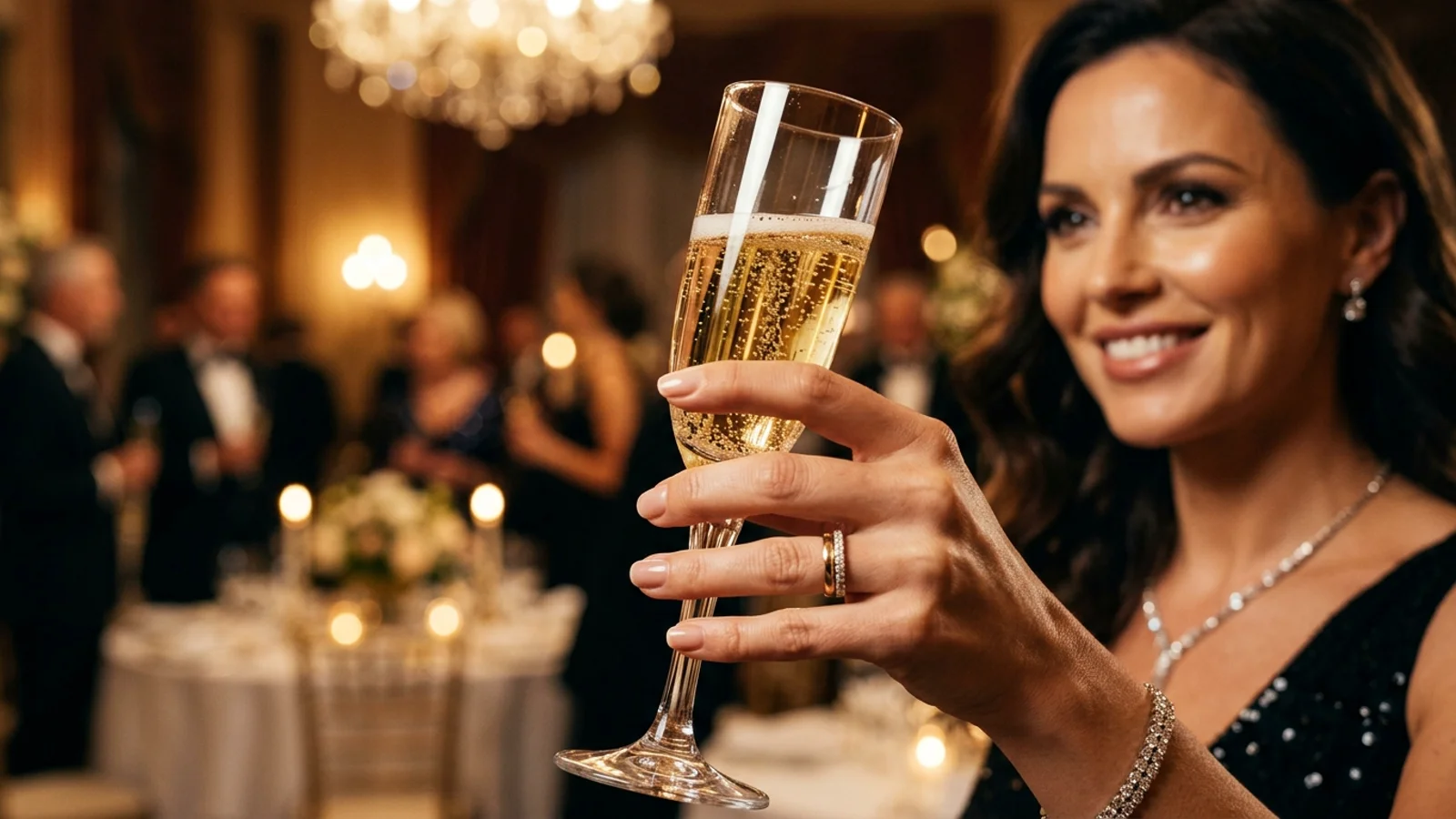
Satisfied with the result? Hit the download button to grab your watermark-free 9:16 vertical MP4 (Existing videos keep their original watermark; watermark-free export applies to future generations). To explore different camera pacing and banquet environments, browse our Burning Bridges AI template showcase; then head directly to the BridgeBurner Studio Creator to launch your party long take today!
Extended Reading & Related Guides
To dive deeper into the complete Burning Bridges AI ecosystem, banquet templates, and generation mechanics, explore our curated guides:
Core Features & Dedicated Hubs
- BridgeBurner Studio Creator: Upload a single frontal portrait to generate your 29-second luxury gala long take.
- Burning Bridges AI Template Showcase: Browse pre-calibrated banquet tracking takes, ballroom sweeps, and toast sequences.
- Burning Bridges Face Swap Guide: High-precision facial pose migration for memes, avatars, and parody characters.
- Pricing & Credit Packages: Review 10s/15s/20s/29s credit tiers, pay-as-you-go packs, and introductory savings.
Curated Deep-Dive Articles
- Burning Bridges AI Trend Breakdown: Why Drake's viral gala aesthetic dominates social feeds.
- Burning Bridges AI Video Technical Guide: 720P vs. 2K resolution, seamless dual-segment stitching, and stereo synchronization.
- Burning Bridges AI Origins & Parody Ideas: Drake's Sotto Sotto dinner aesthetic and 5 viral parody archetypes.