
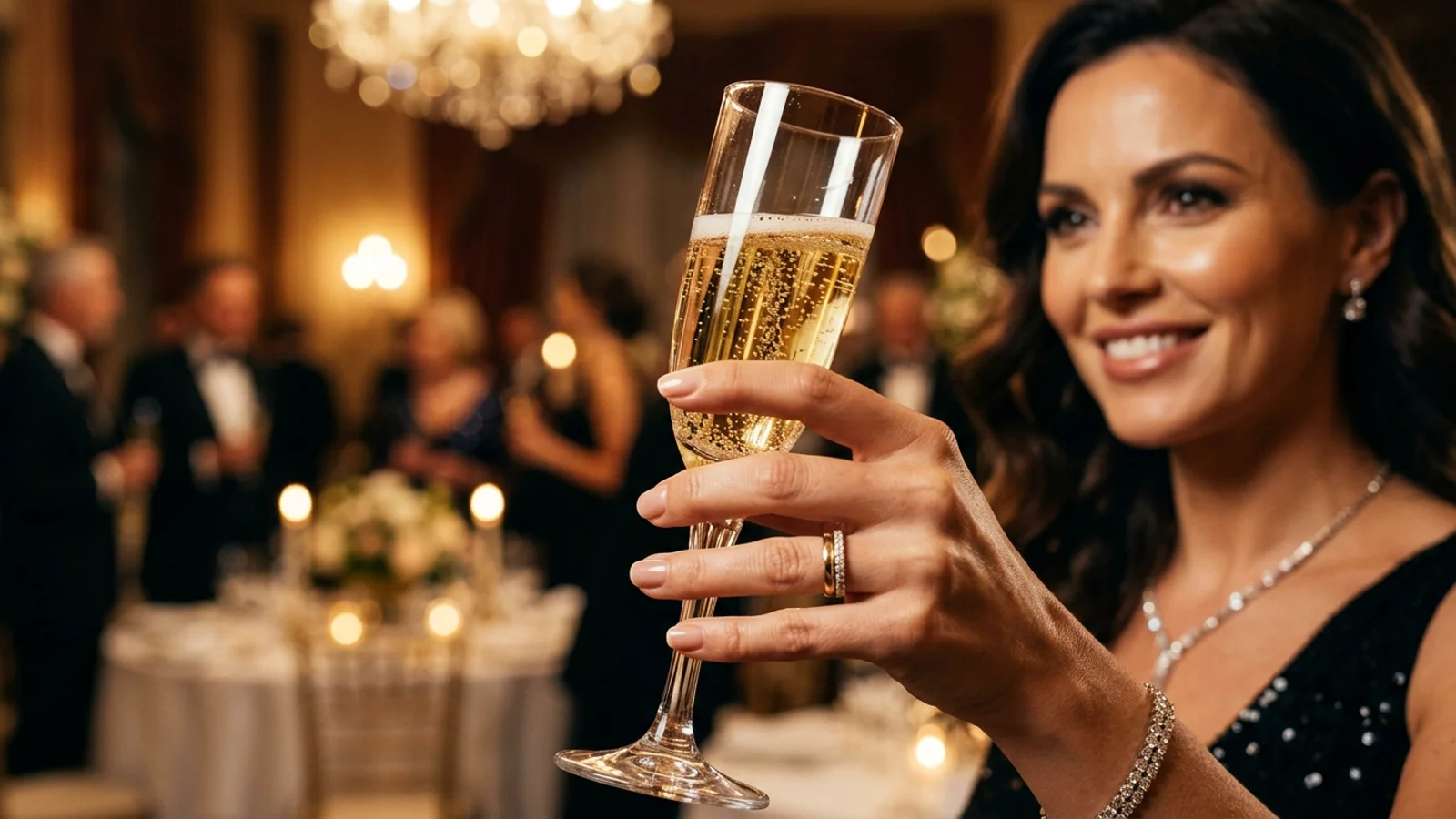
Turning a single still portrait into an immersive cinematic party sequence has become one of the biggest viral trends across TikTok and Reels. With Burning Bridges AI, you can place yourself, a colleague, or a favorite character directly into the center of a glamorous chandelier gala inspired by Drake's iconic party aesthetic.
This practical walkthrough guides you from photo selection to final download in under three minutes on the BridgeBurner studio creator.
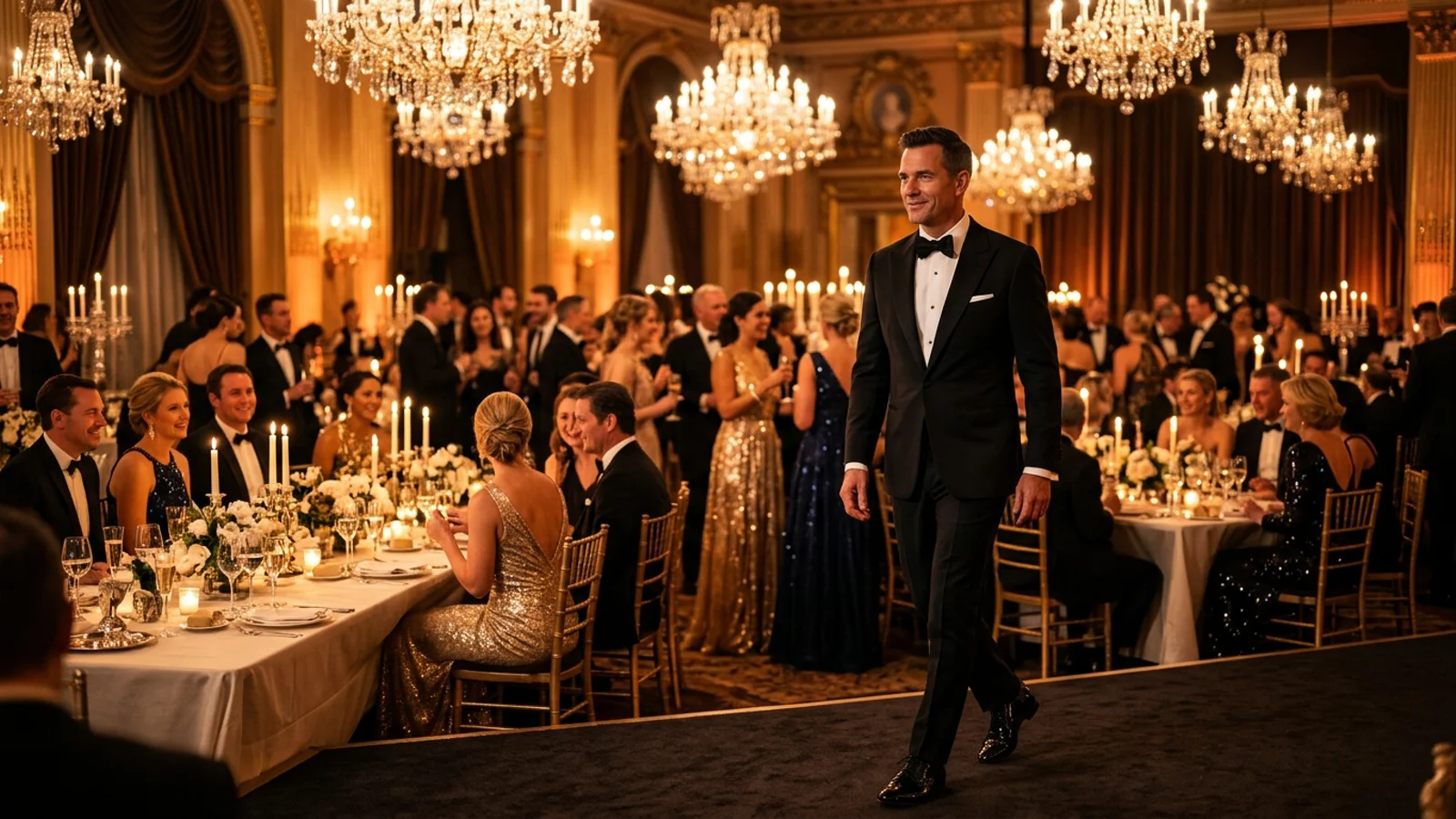
Why the gala long take looks so cinematic
Unlike conventional two-dimensional face overlays that glitch during head turns, our generator uses neural camera tracking and reference motion transfer. The camera glides through long banquet tables, crystal chandeliers cast warm ambient highlights across the face, and background guests react naturally in real time.
Before diving into generation, preview the continuous 29-second gala long take below with built-in Drake stereo audio:
Step 1: Select the ideal reference portrait
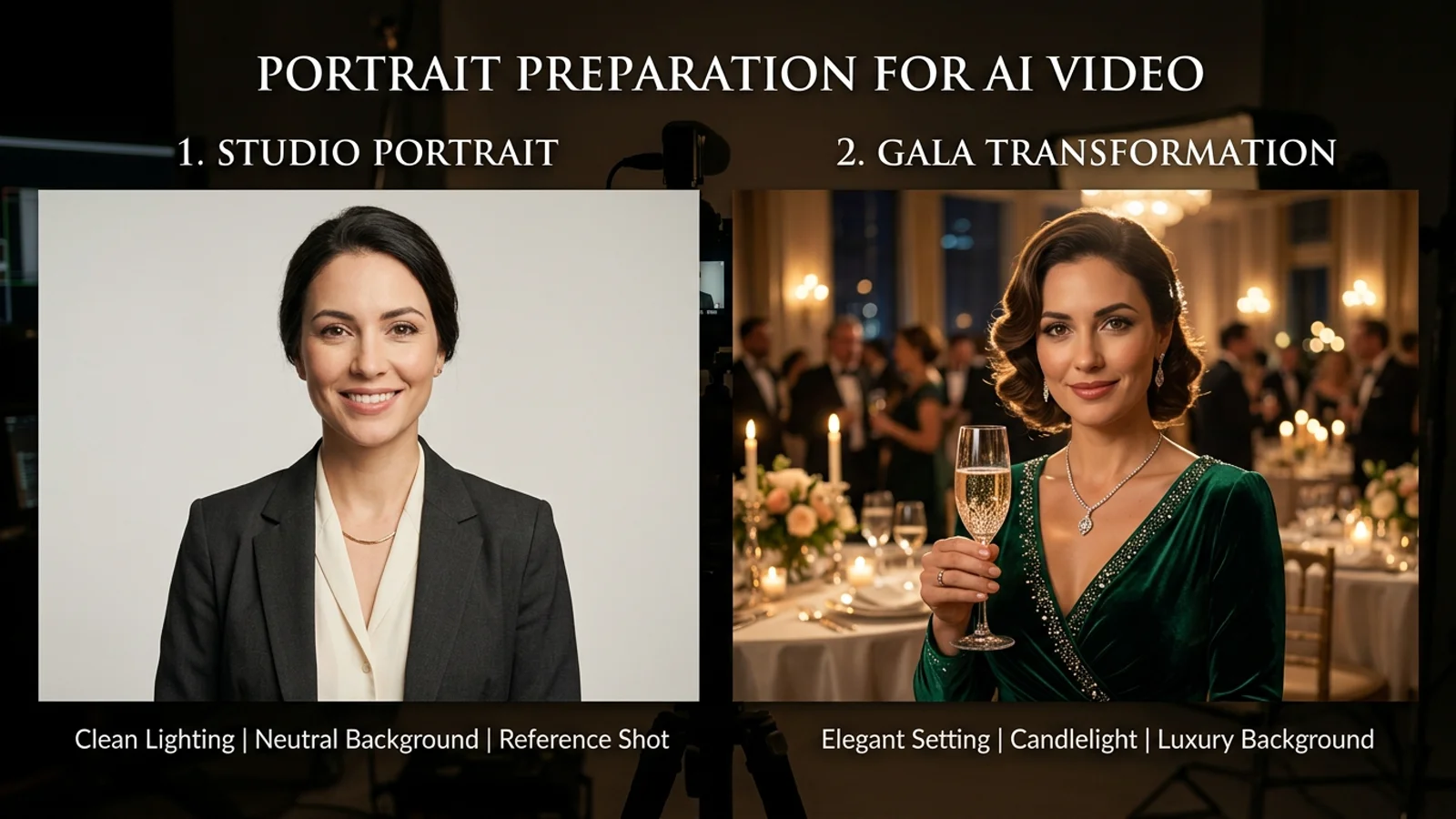
Your input photo serves as the facial anchor for the entire video. Selecting the right portrait prevents distortion around the jawline and eyes:
- Clear, unobstructed features: Use a front-facing or slight three-quarter portrait where both eyes, eyebrows, and nose bridge are cleanly visible.
- Natural, balanced lighting: Avoid heavy backlight, dramatic flash glares, or grainy night selfies. Soft ambient daylight produces the smoothest skin tones.
- Neutral attire or formal wear: Dark jackets, suits, or clean evening dresses blend seamlessly with the banquet atmosphere.
If you want to create viral comedy clips with stylized avatars or fictional personalities, check our Burning Bridges face swap guide for advanced blending tips.
Step 2: Choose duration, resolution, and credit plan
The studio offers four duration tiers tailored for different storytelling formats:
- 10 Seconds (10 Credits @ 720P / 18 Credits @ 2K): A crisp highlight shot featuring an entrance and initial toast. Ideal for quick social status updates.
- 15 Seconds (15 Credits @ 720P / 27 Credits @ 2K): A steady tracking shot moving along the banquet table.
- 20 Seconds (20 Credits @ 720P): An extended narrative take capturing surrounding guest reactions and champagne toasts.
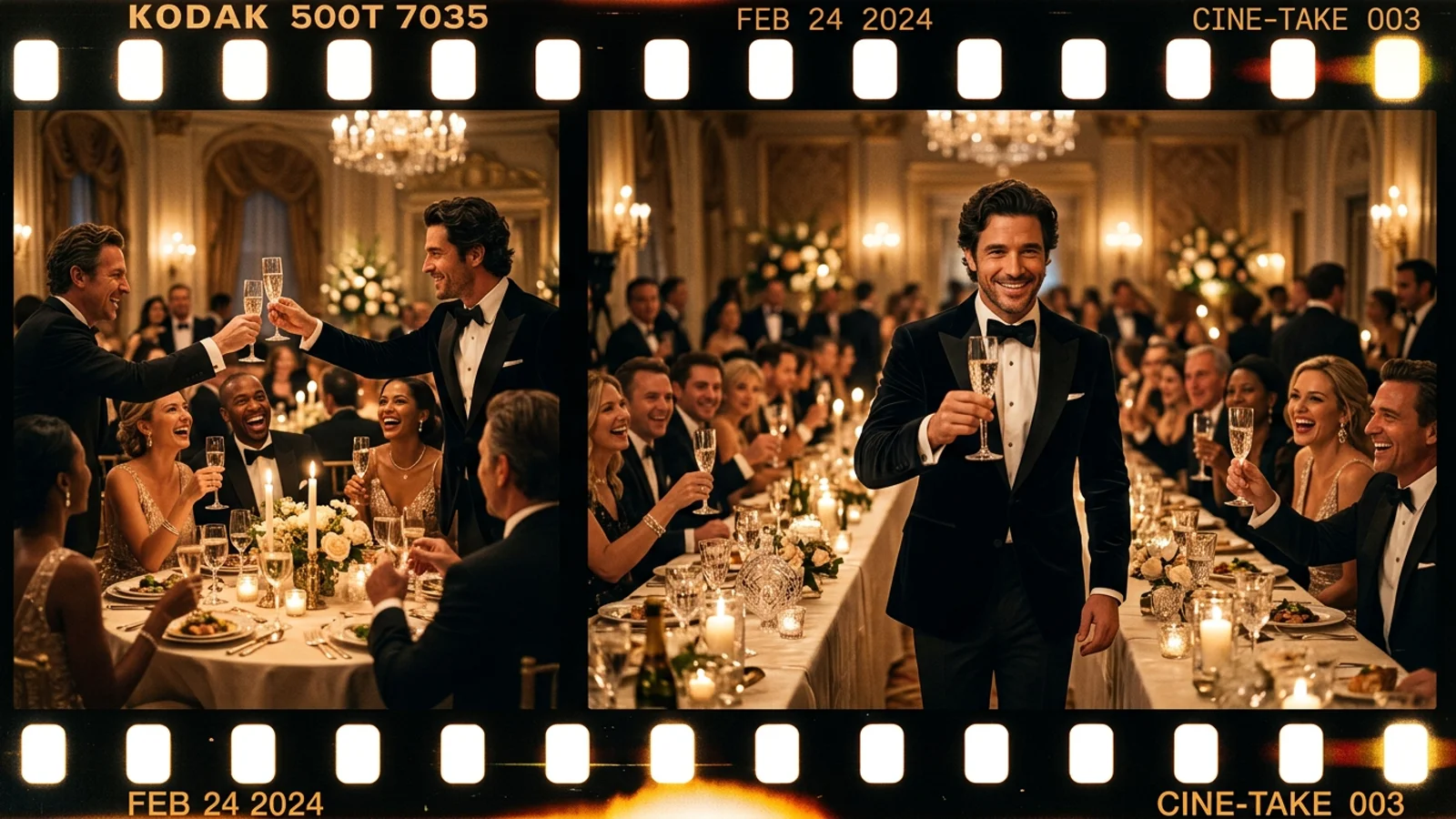
- 29 Seconds Full Cut (30 Credits @ 720P): The complete continuous sequence featuring entrance, conversation, toast, and celebratory cheers.
Review all package options and coin bonuses on our pricing table before initiating batch generations.
Step 3: Monitor generation and audio synchronization
Once submitted, your job enters the processing pipeline. Extended takes (20s and 29s) are created using dual synchronized segments that are seamlessly merged without noticeable seams:
- Built-in Drake soundscape: Every generated take automatically embeds Drake's original "Burning Bridges" audio track aligned with key camera turns. You do not need third-party video editors or manual beat-matching software.
- Queue recovery: If your connection is interrupted during generation, simply revisit your task list. Your credits remain protected by idempotent billing safeguards.
To explore how the original track gained viral momentum across streaming platforms, read the Billboard music feature and our Burning Bridges trend analysis.
Step 4: Quality check and watermark-free download
Before exporting your video for TikTok, YouTube Shorts, or Instagram Reels, inspect key visual markers:
- Finger and glassware edges: Ensure fingers naturally grip the champagne flute stem without melting into the glass rim.
- Lighting coherence: Confirm that candle flickers reflect convincingly across cheekbones and pupils.
- Neckline continuity: Verify collar and shoulders maintain structural stability during body turns.
Ready to create your own viral clip? Launch the Burning Bridges AI creator, or explore our ready-to-use Burning Bridges AI template to produce your party video today.